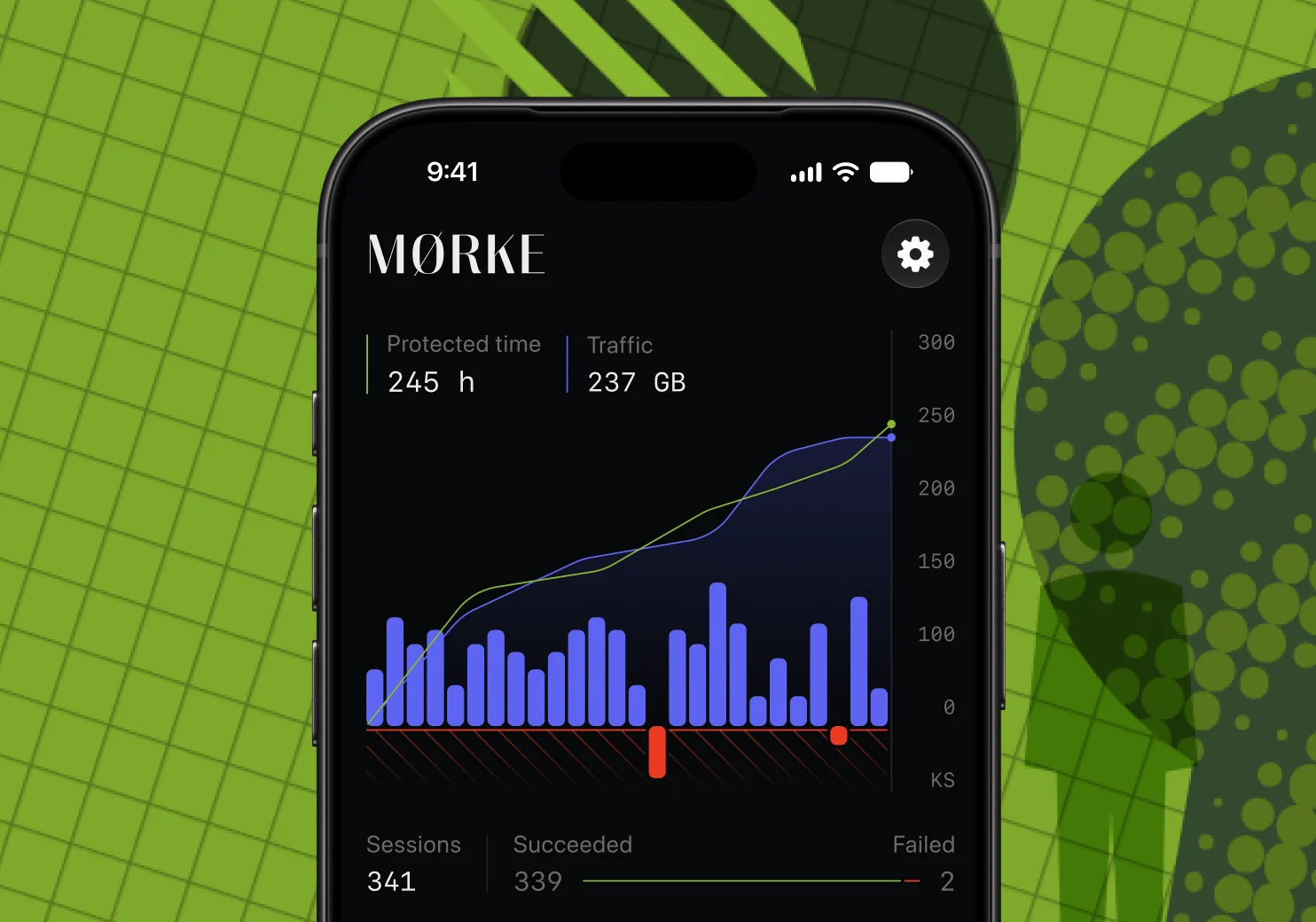
iPhone and iPad
iOS 17 or later. Runs on iPad too.
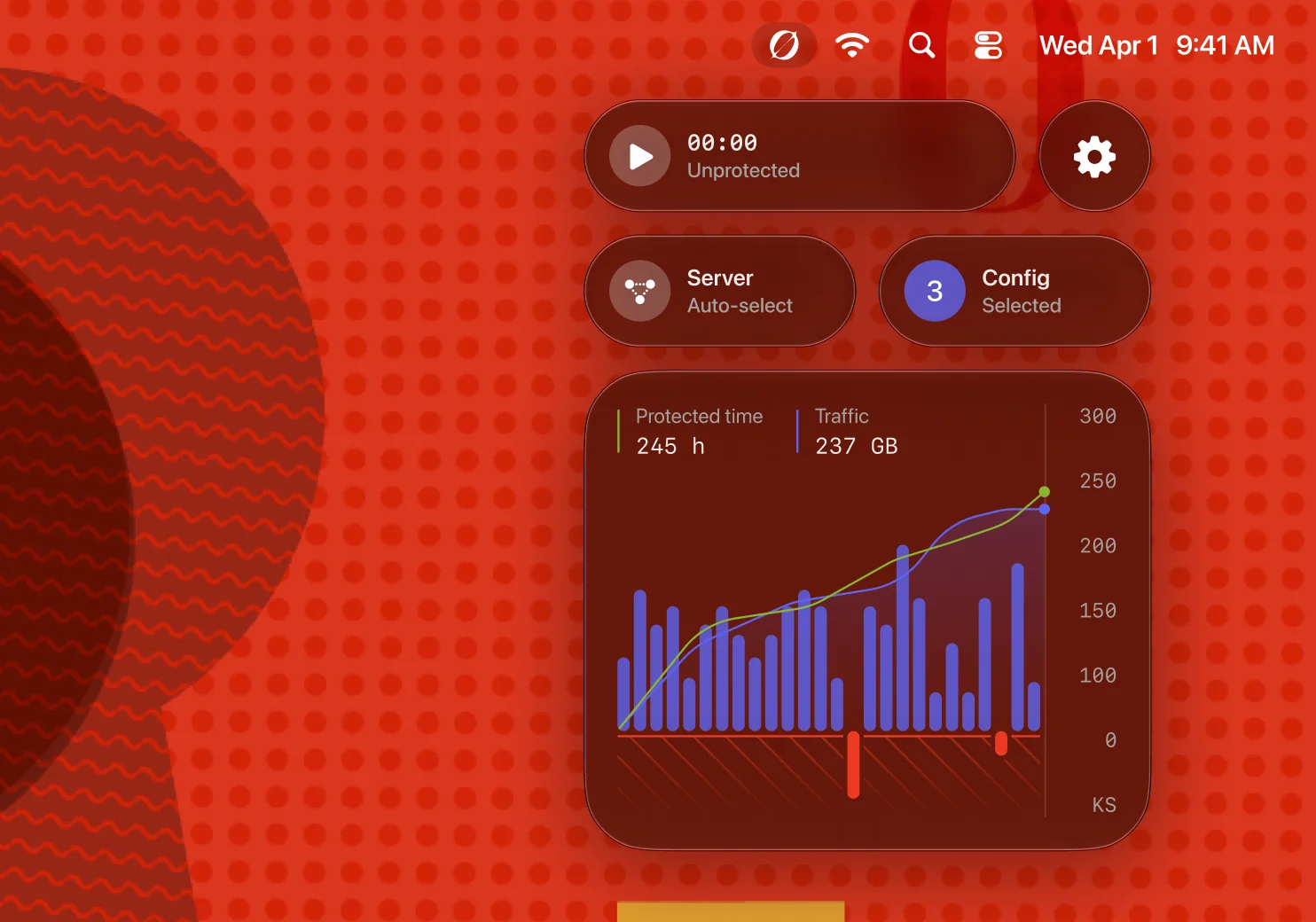
Available on the App Store for iPhone and iPad, and as a direct download for Mac.
))
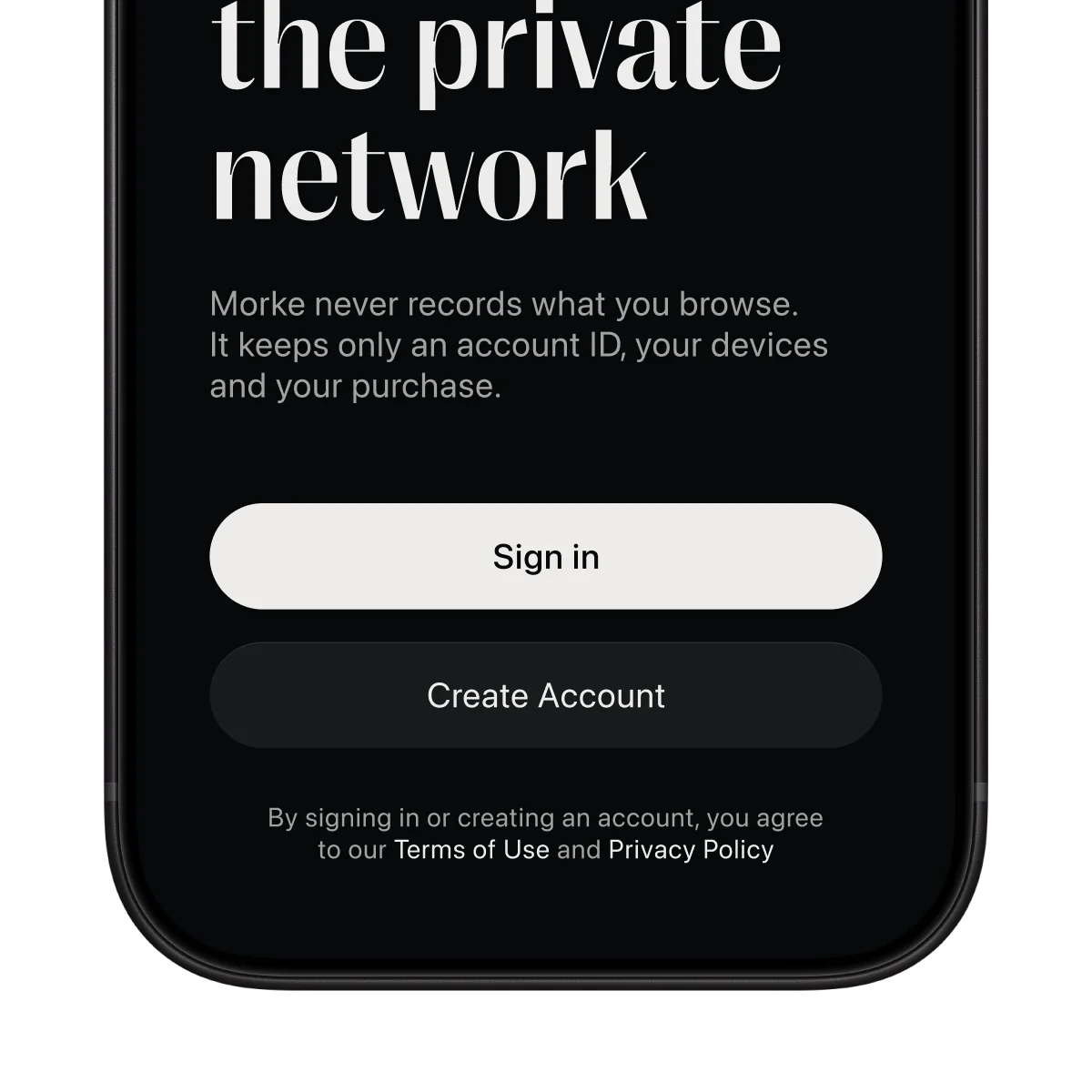
Open Morke, choose Create Account. No email needed.
))
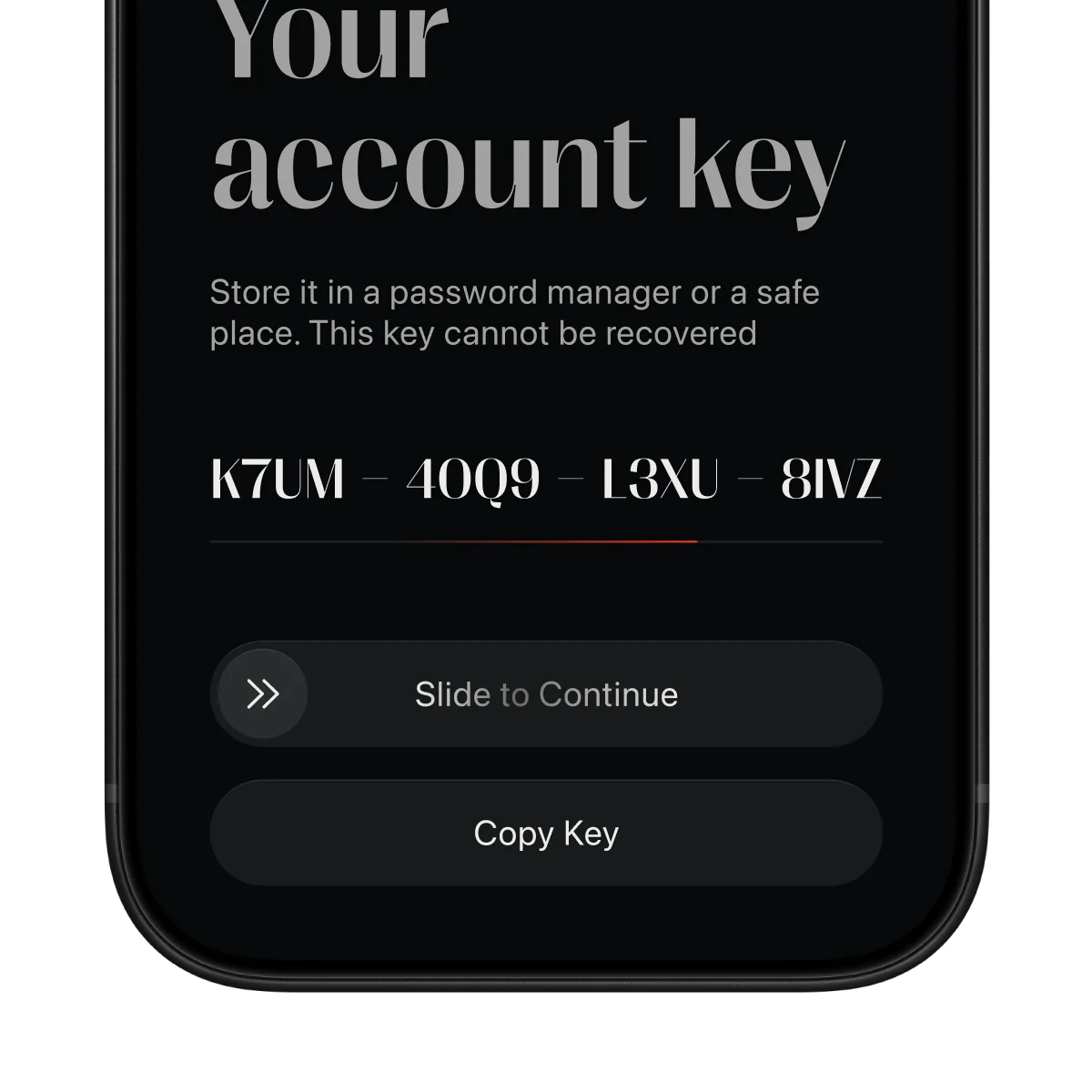
Copy Key, save it in a safe place, then Slide to Continue.
))
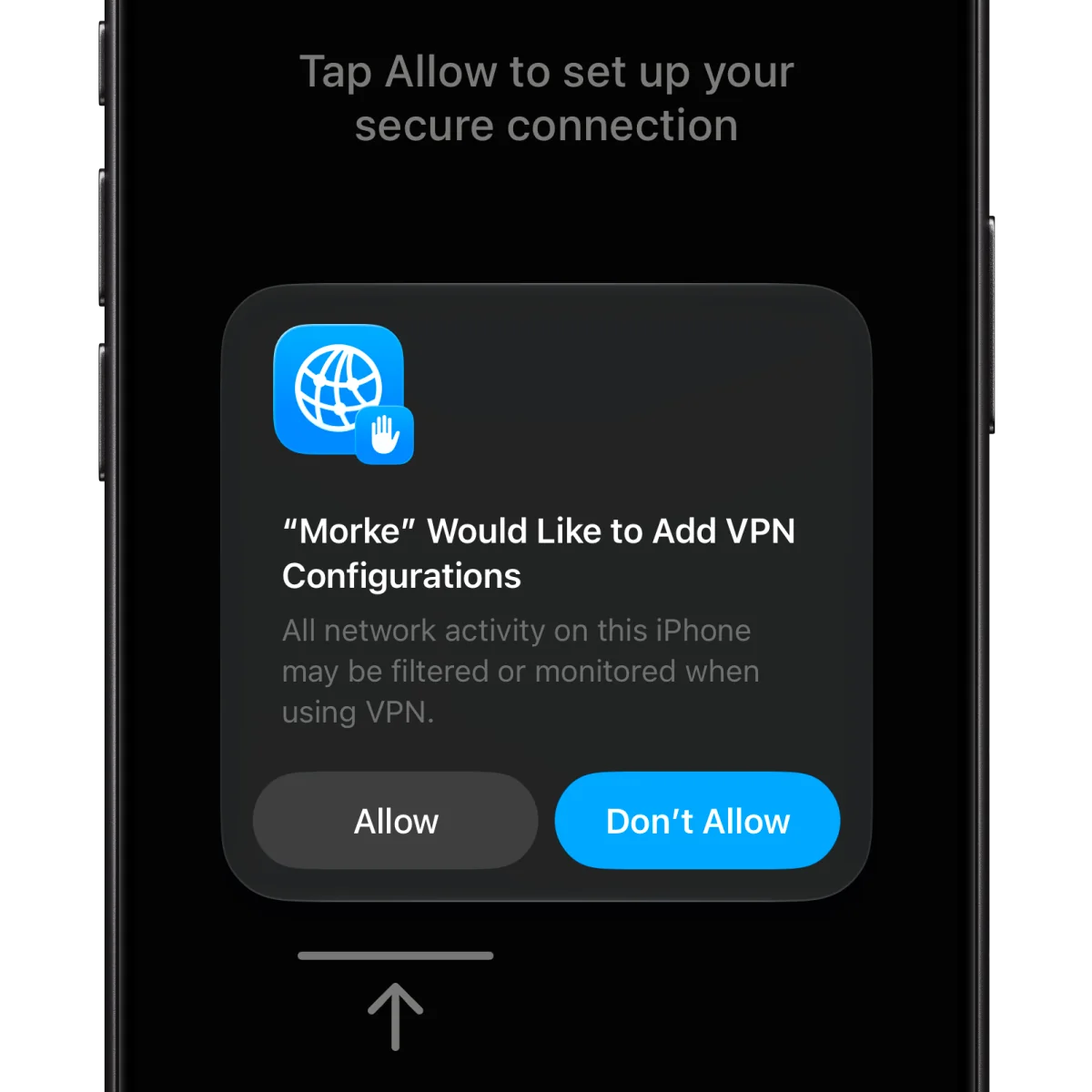
Choose Connect, then Allow when iOS asks to add the VPN.
))
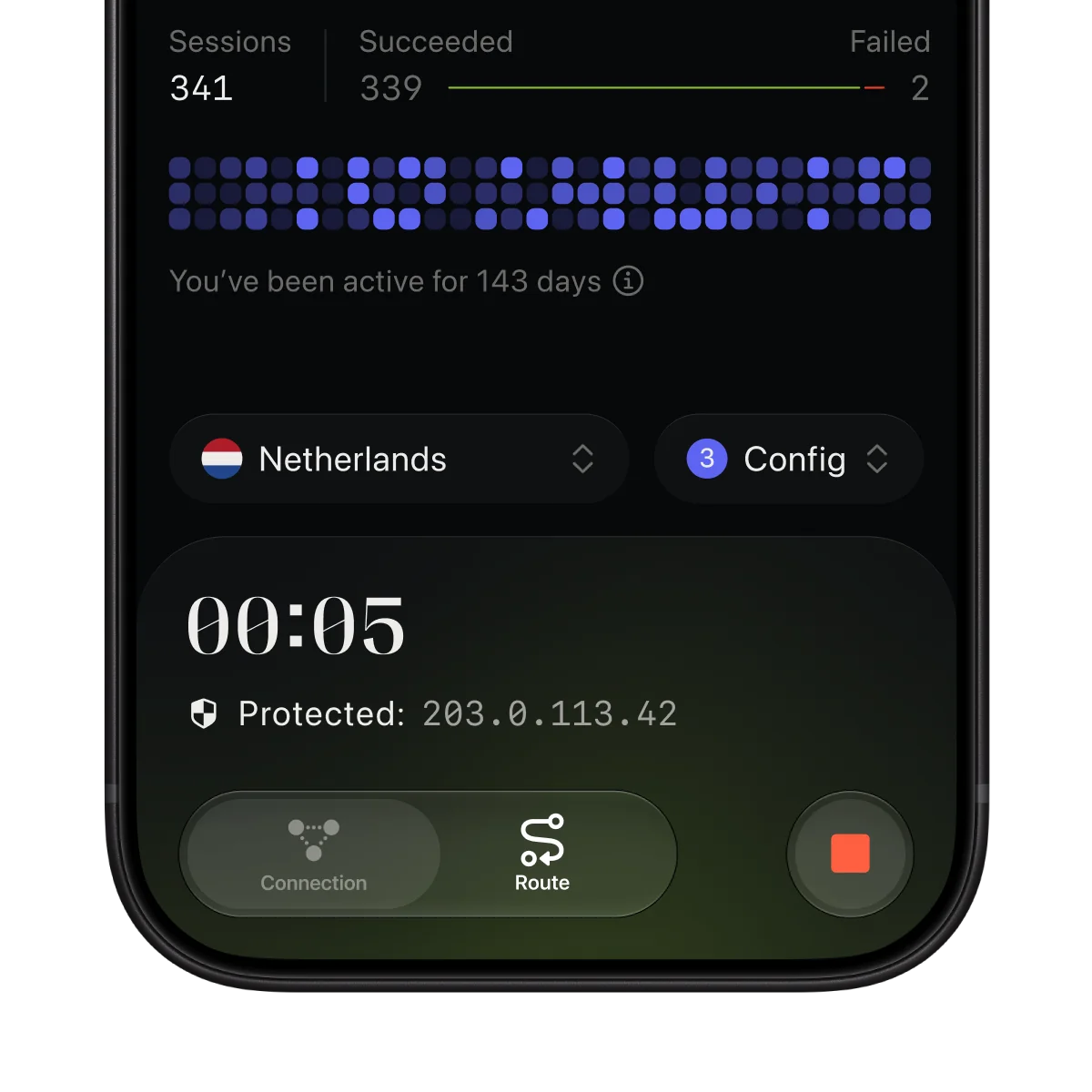
That's it. Browse as usual, Morke runs in the background.
))
No. Your account is an ID and a key, nothing else. Get the app to make yours.
Then the account is gone: there is no email to recover it with. Keep the key somewhere safe, like a password manager.
Install Morke on it, tap Sign in and enter the same key. Up to 5 devices can be signed in at once. If all 5 are in use, sign one out from the device list in the app.
Yes, on iOS 26 or later: a Control Center control and a switch on the Home Screen widget. Shortcuts and a quick action work too. Connect once in the app first, because that is what adds the VPN configuration.